
 A Nexus Capital & Investments Division
One Dashboard.
Every Algorithm.
Quant Panel is a real-time performance dashboard for MetaTrader 5 that tracks every algorithm running on your account from a single screen: live P&L, drawdown, win rate, and full institutional-grade analytics, calculated independently per strategy. Built by Nexus Algorithmics, the algorithmic division of Nexus Capital & Investments.
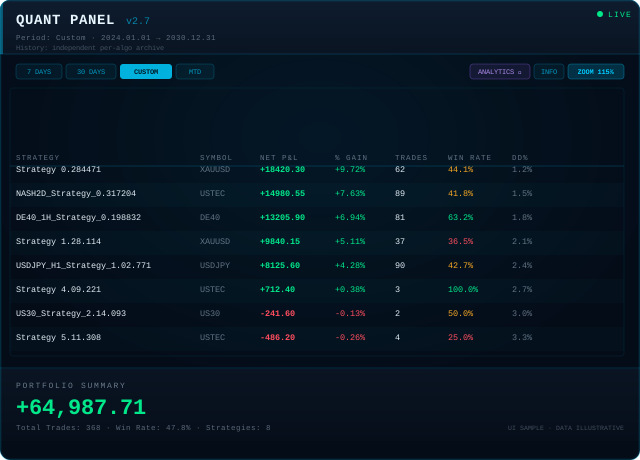
Stop Juggling Charts.
Start Monitoring Properly.
Every algorithm on your account, tracked independently, with the same rigour we apply to our own live trading.
Real-Time Multi-Algo Monitoring
Track every EA on your account from one panel, with each strategy's P&L, drawdown and equity calculated independently against its own virtual starting balance, not blended into one misleading average.
Four-Page PDF Analytics Reports
Export a full report for any algorithm: overview, monthly and trade detail, risk/return analysis, and a seasonality heatmap with calculation methodology, written natively with no external dependencies.
Real Risk Metrics, Not Just P&L
Sharpe, Sortino, Calmar, Ulcer Index, historical VaR, expected shortfall, skew, kurtosis, annualised volatility and realised CAGR, calculated per algorithm alongside the fundamentals: profit factor, expectancy, average win/loss and recovery factor.
Adaptive Zoom, Local or VPS
A persistent on-screen zoom control (85%, 100%, 115%, 130%) scales the entire panel, rows, charts and popups included, so the dashboard reads cleanly whether you're local, on RDP, or running on a VPS.
Manage Mode
Hide or show individual algorithms from the dashboard without losing their history, with a dedicated status row and per-algo export button, so you can curate your view without ever deleting data.
Broker-Independent History
Merges live broker data with an account-specific archive stored locally, so broker-pruned demo history doesn't quietly erase your track record. Current broker data always takes precedence when a record is corrected.
Set Up Once.
Monitor Forever.
Attach To Any Chart
Quant Panel runs from a single chart and reads your account's complete trade history, no per-symbol setup required.
Configure Your View
Set your refresh rate, visible columns and magic-number grouping to match how you actually trade, then choose your zoom level for the session.
Monitor & Export
Watch live performance update in real time, and export a full PDF analytics report for any algorithm whenever you need one.
No Mockups.
This Is Quant Panel Live.
Every screen below is the actual dashboard, running on a real account.
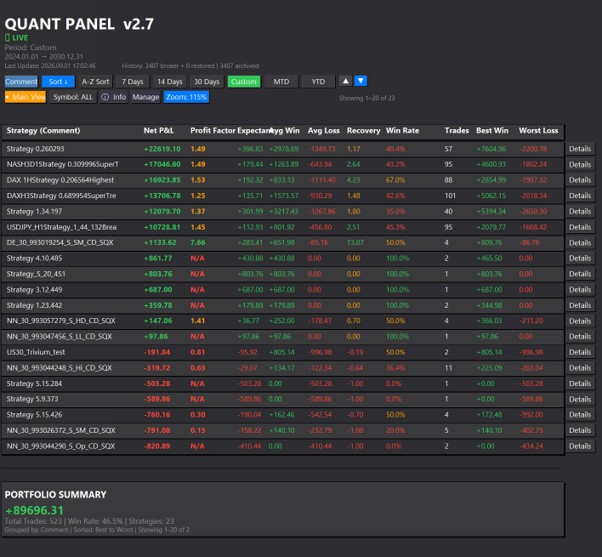
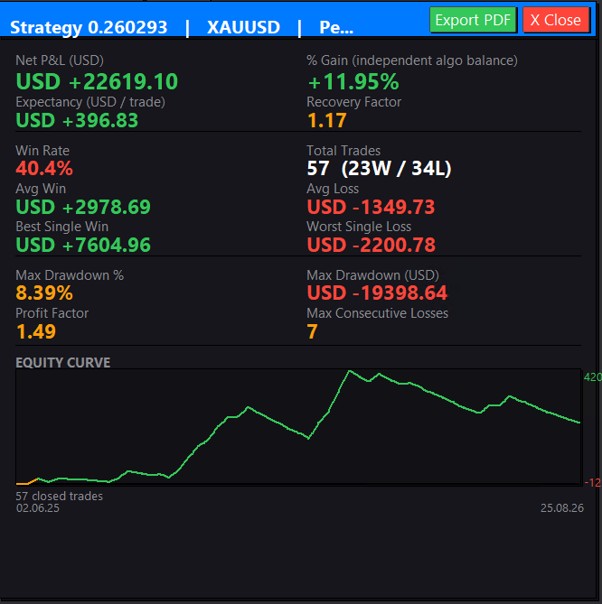
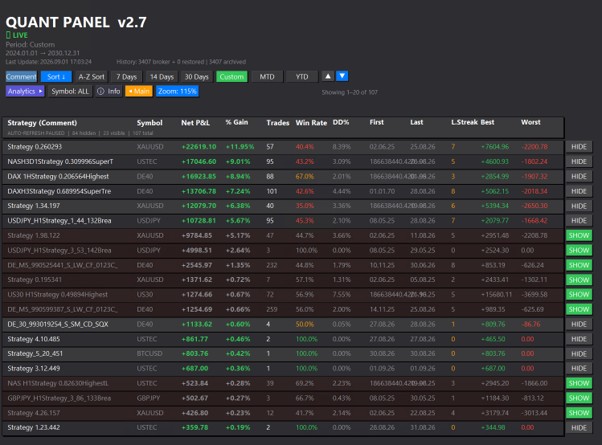
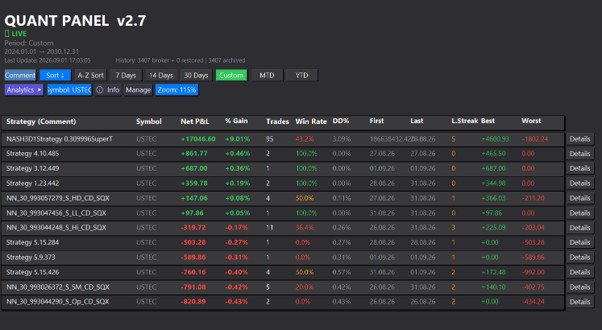
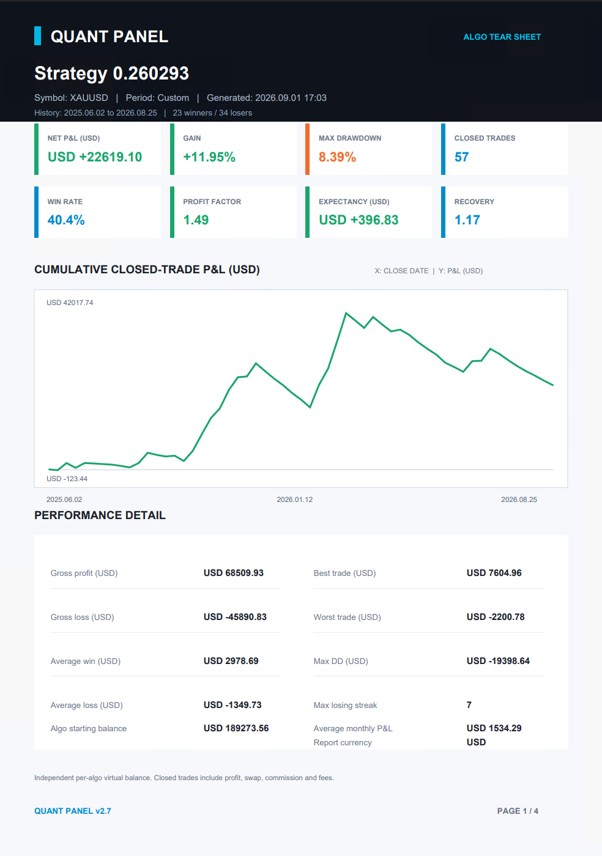
Main table, strategy detail, Manage mode, symbol filtering and a PDF export, all from a live account.
Built By Traders
Who Actually Use It
Quant Panel is developed alongside our own live trading, so it keeps evolving with what we actually need from it. Recent highlights from the v2.7 release:
Full version history is available on request. Every update ships to existing owners at no extra cost.
See Every Algorithm.
One Screen, No Guesswork.
A professional tool by Nexus Algorithmics, the algorithmic division of Nexus Capital & Investments
- ✓ Real-time multi-algorithm monitoring
- ✓ Four-page PDF analytics reports, per algorithm
- ✓ Full institutional risk metrics suite
- ✓ Adaptive zoom for local, RDP and VPS sessions
- ✓ Manage mode with per-algo export
- ✓ Broker-independent history archive
- ✓ Free demo available before you buy
- ✓ All future updates included
Or rent from $30/month · Purchase, licensing and delivery are handled entirely through the MQL5 Market